Print at home
US Letter and A4, tiled with overlap, trim lines and labelled alignment marks, plus an assembly map. Page 1 tells sewists to print it alone at actual size and check the 1″ and 5 cm test squares first.
For independent sewing-pattern designers
Keep drafting your base size in Illustrator, Inkscape or Affinity. Open it here, set your grade rules once, and download layered PDFs for every size: print-at-home, copy shop and projector.
Runs in your browser. Your pattern files never leave your computer.
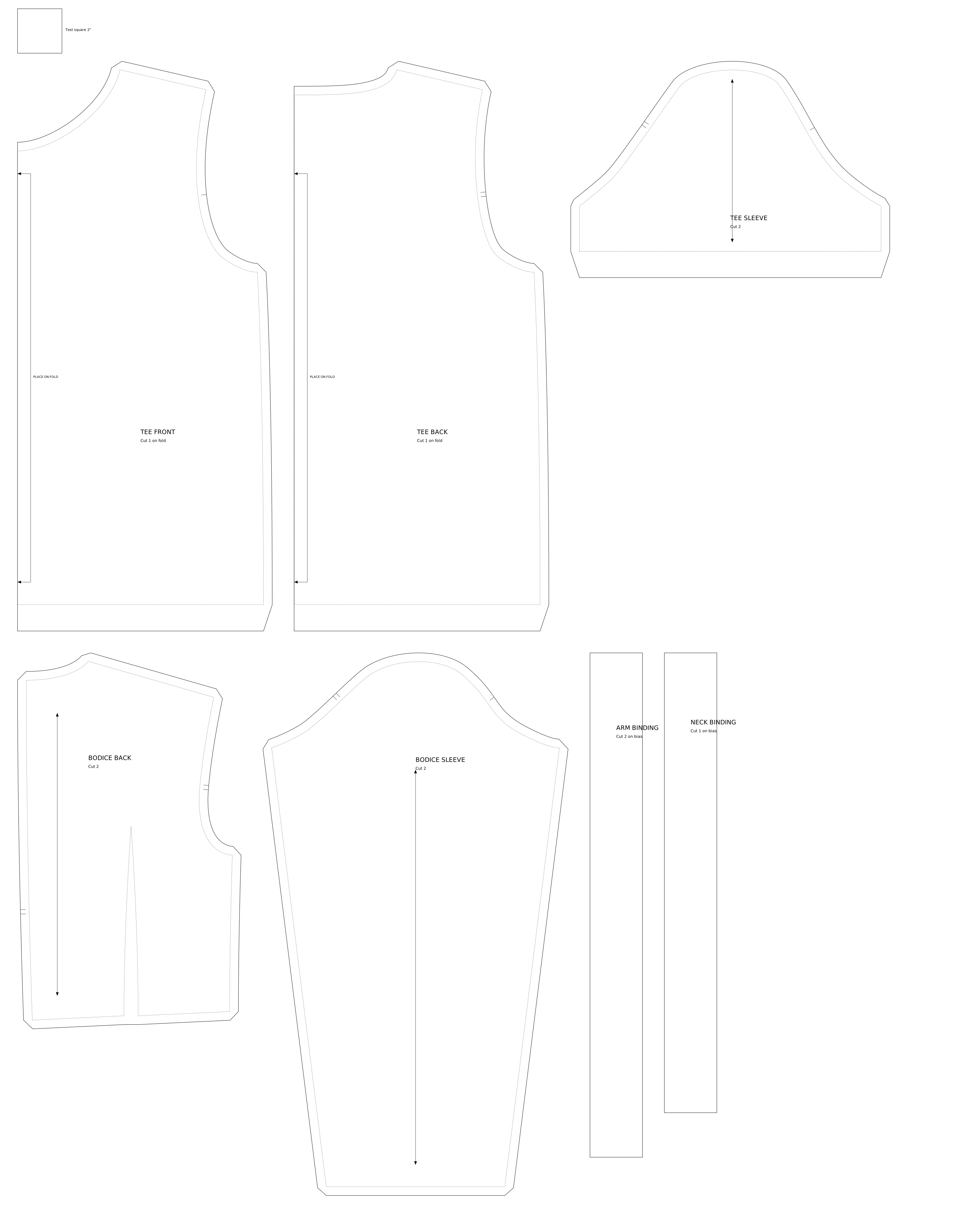
Export the size you drafted as an SVG. No renaming or special layers: pieces, stitching lines, seam allowance, grainlines, fold edges and notches are recognised from the drawing, and you can correct anything with a click. Your test square sets the real size.
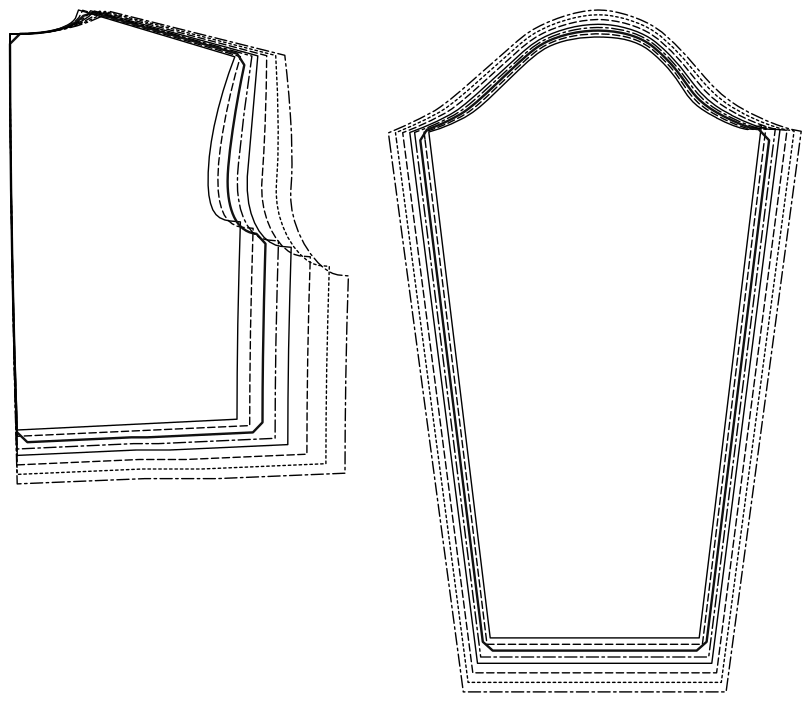
Click the grade points on each piece (shoulder tip, underarm, waist…) and enter how far each moves per size. Start from the built-in 2″-grade rules, use bigger steps for larger sizes, and save your own rules to reuse on the next pattern. Every size is previewed nested as you go.
One click per format. Every file has a layer per size, so sewists can print only theirs. When a piece has both a stitching and a cutting line, the stitching line is graded and the seam allowance added back, as pattern graders do it.
US Letter and A4, tiled with overlap, trim lines and labelled alignment marks, plus an assembly map. Page 1 tells sewists to print it alone at actual size and check the 1″ and 5 cm test squares first.
A0 sheets for print shops outside the US, and a single 36″-wide roll for US print shops.
One true-scale page with thick lines and switchable 5 cm and 1″ calibration grids.
Each size is its own PDF layer, plus an “All sizes & info” layer for labels, grainlines and marks.
These were made from the demo pattern by the app itself:
Open the PDFs in Adobe Reader to switch the size layers on and off.
Everything happens in your web browser: reading your file, grading, and making the PDFs. Nothing is uploaded, and there are no accounts. Your work is kept in your browser, and you can save it as a project file to back it up or move it to another computer.
We're looking for a few independent designers to try it on a real pattern and tell us what works and what doesn't. It's free during the pilot, and pilot designers get their first 3 months free when it launches, then half price for the rest of their first year. You'll need a pattern drawn in Illustrator, Inkscape or Affinity, with a test square on the page.
Contact details are coming soon. In the meantime, the app is open to try with the demo pattern.